
One Pay Mobile Banking Services
One Pay Mobile Banking Services
First Customer has to install the One Pay Mobile Banking Services.
 1. Click One-Bills.
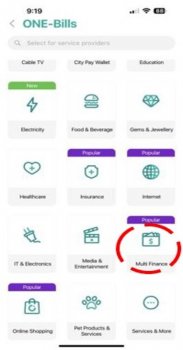 2. Choose Multi-Finance.
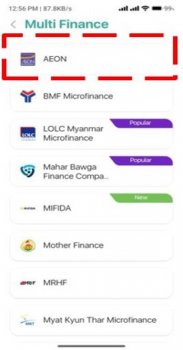 3. Select AEON.
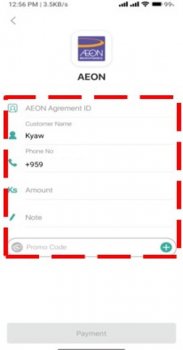 4. Fill the Required Information.
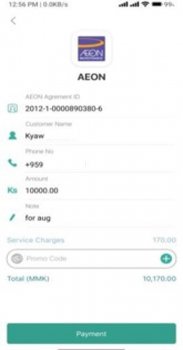 5. Check the Payment Information.
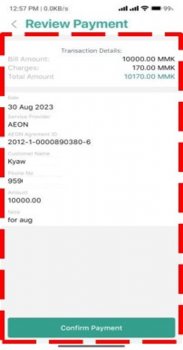 6. Click Confirm Payment
 7. Please fill the OTP
 8. Payment Success