
CB Pay Application Services
CB Pay Application Services
First Customer has to install the CB Pay Application Services.
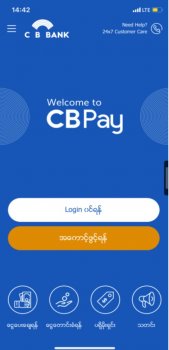 1. Login into the CB Pay Application.
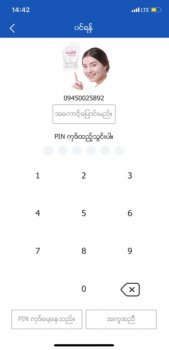 2. Insert your Pin number that you selected.
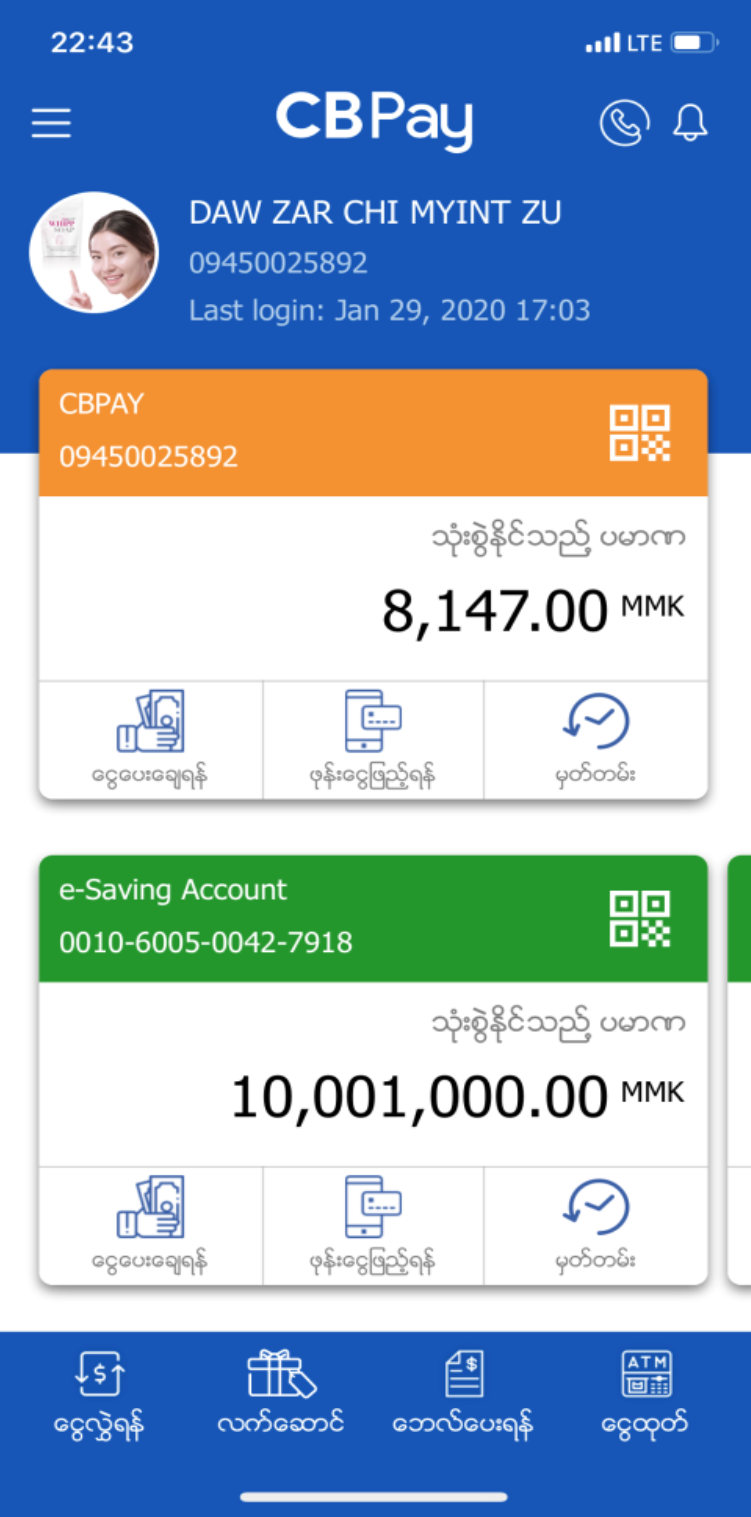 3. Choose select "Pay Bill"
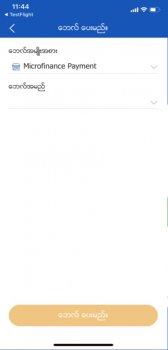 4. In Bill Type, Please choose the "Microfinance Payment".
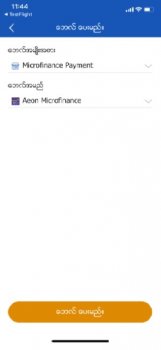 5. In Biller, Please select "Aeon Microfinance".
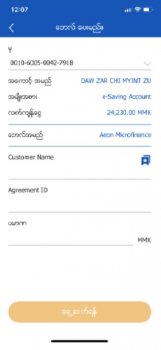 6. Insert Customer Name, Agreement ID, Amount and then Click "Next".
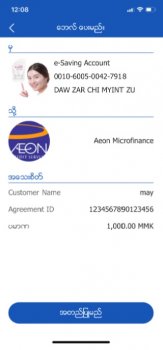 7. Please check with insert information and then click "Next".
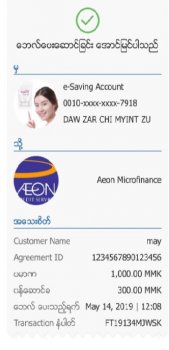 8. Successful bill payment receipt will be automatically saved in your phone gallery.