
AYA Bank Mobile Banking Services
AYA Bank Mobile Banking Services
First Customer has to install the AYA Bank Mobile Banking Services.
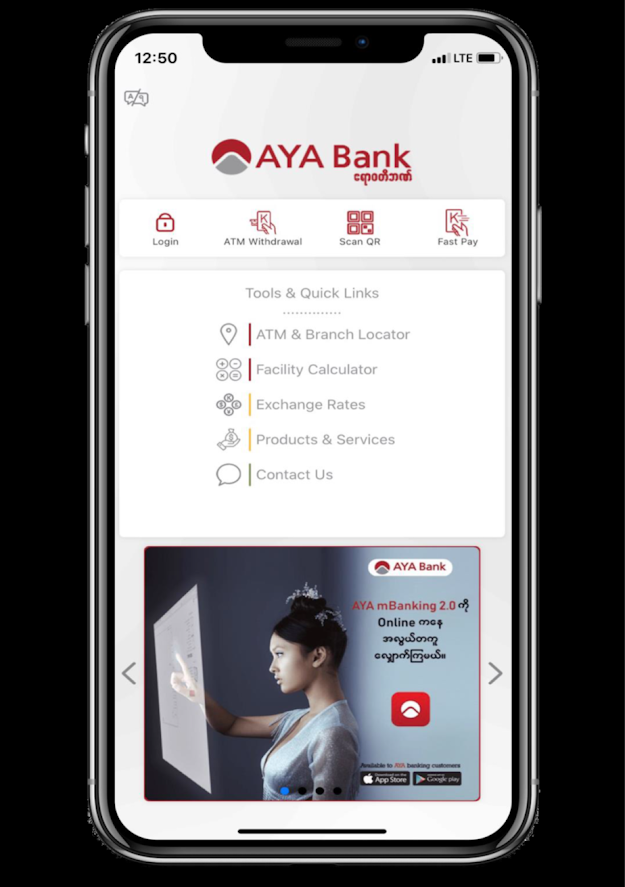 1. Click LOGIN!
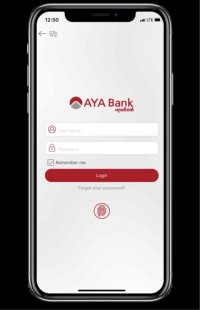 2. Type USERNAME & PASSWORD, then click LOGIN!
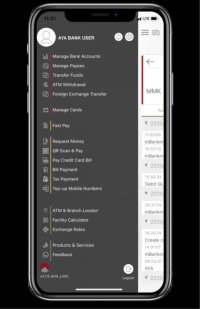 3. Choose BILL PAYMENT.
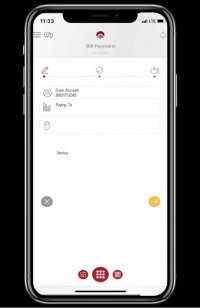 4. CHOOSE or TYPE "Aeon Microfinance" in SEARCH.
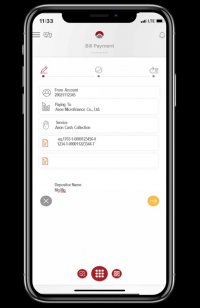 5. Fill in required fields, then click ...
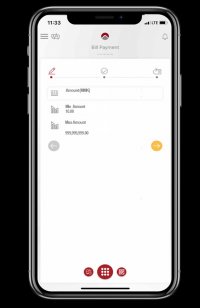 6. Enter payment amount and, then click ...
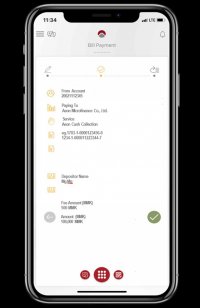 7. Check the details and if it is correct, then click ...
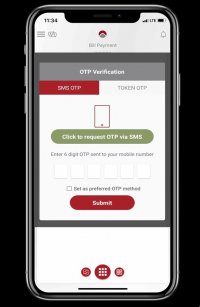 8. CLICK "Click to request OTP via SMS" & enter 6 digits OTP that sent to mobile phone, then CLICK "Submit"
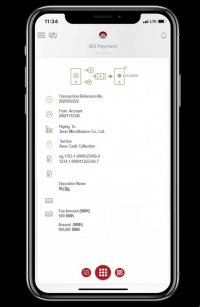 9. Payment SUCCESSFUL!Thank you!"